
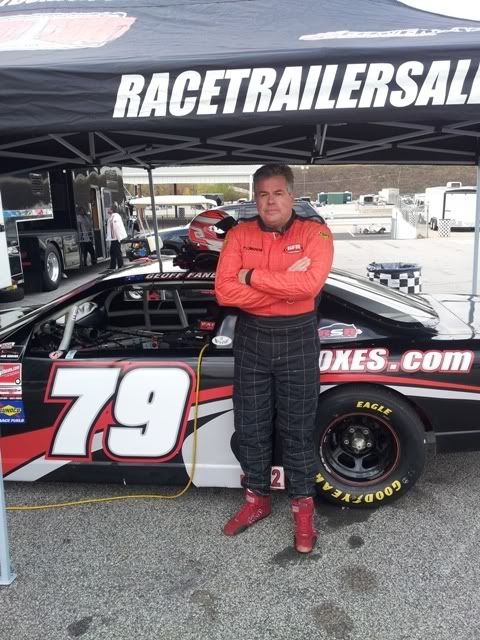
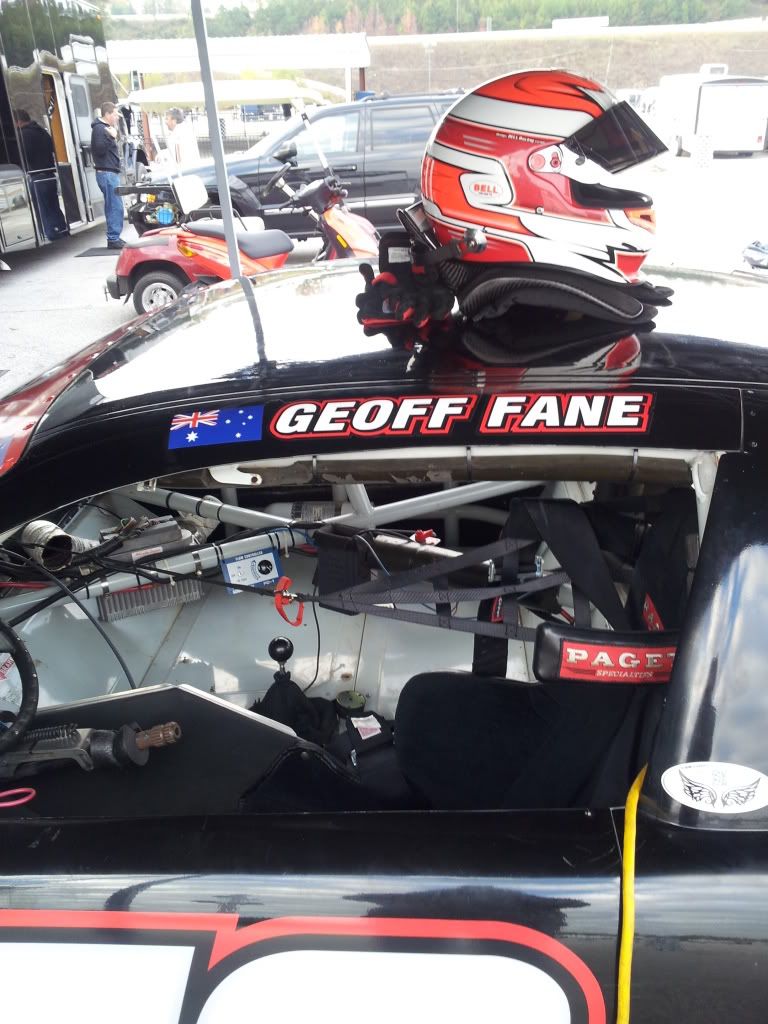
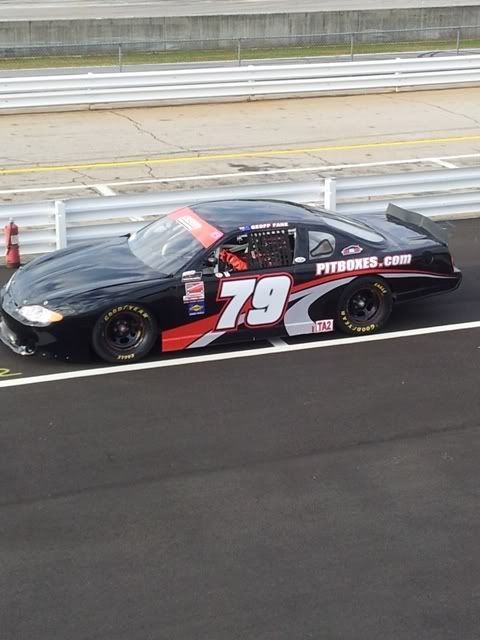
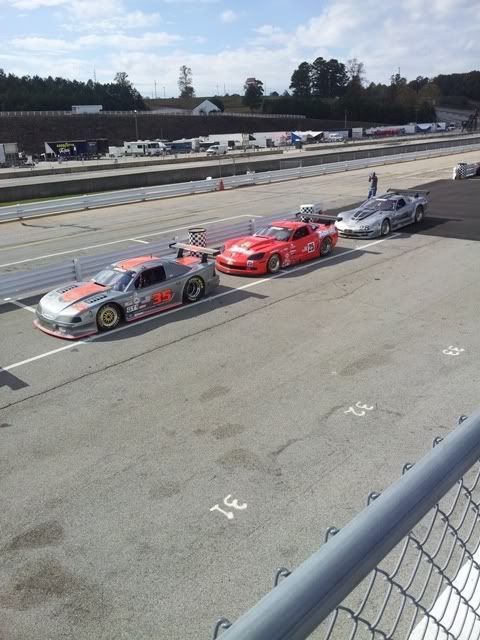
Ive just run the Final round of the ARRC series for Trans am and GTA cars at Road Atlanta in Georgia USA . B)
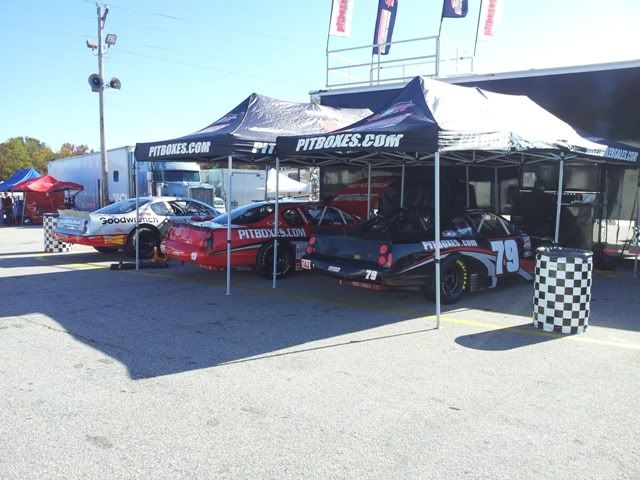
We ran in the GTA class with Ricky Sanders Racing in Matching GTA TA2 Chev MonteCarlos . :p
The field consisted of the Jim Derrhaag team the Monett team and others . Tony Ave wasn't there but still a good turnup.
I finnished 11th outright and 5th in class was up to 4th in class challenging for 3rd but ran out of ability . :mad:
It took two starts as 2 of the Monett cars crashed out on the outlap and a third crashed on lap 4.
Youtube has the first qualifing on Friday ROAD ATLANTA FIRST PRACTICE NOV 4TH.wmv . I will post the race soon
It was so gold we couldn't get tyre temperature for 2 to 3 laps . :mad:
How do we post photos again ?
Road Atlanta final round of the GT1 ARRC series
4 posts
• Page 1 of 1
Road Atlanta final round of the GT1 ARRC series
 by FAMOUS » Thu Nov 10, 2011 3:31 pm
-

FAMOUS - Posts: 58
- Joined: Tue Sep 23, 2008 2:50 pm
Road Atlanta final round of the GT1 ARRC series
by FalconEL » Thu Nov 10, 2011 3:38 pm
How do we post photos again ?
Sounds like you had a great time Famous! Keen to see some pics!
I've grabbed the following from one of jdyort's posts on another thread:
I have had a few people ask me about how to post pictures / links etc on here. So here it is:
All you need to do is upload pictures onto Photobucket. You will need to create an account if you do not have one (its free and takes 5 minutes) and then it gives you 4 different html codes to use. Just choose the 4th code that it offers and paste it into the message. eg This is something what the code looks like except it will not have the "."s at the start and the end.
[.IMG]http://i230.photobucket.com/albums/ee61/username/Example.jpg[/IMG.]
If you ever want to post a picture off another website eg Motor Racing classifieds etc. What you do is right click on the picture you want to link to and select properties. In there it will have the http address. If you copy that full link and paste it into your message on the forum and then place the [.IMG] before and the [/IMG.] after it will link the picture directly (don't include the "."s though. Of course some websites / pictures are coded to prevent you from doing so but the majority are not.
Just remember not to have the pics too big. The size Web large which is around 600pixels is generally the best.
If you ever want to create a weblink like this News
It basically looks like this [.URL=http://news.com.au]News[/.URL] but dont include the "."s and you just change the weblink and the end bit which is the description.
QLD Sports Sedan Competitor
Ford Falcon EB (Ford Cleveland V8)# 43
Winning Facebook Post of 2015 - Jared Martin - "But wasn't chez on the pace when he hit the wall ?" Dafuq?
Ford Falcon EB (Ford Cleveland V8)# 43
Winning Facebook Post of 2015 - Jared Martin - "But wasn't chez on the pace when he hit the wall ?" Dafuq?
-
FalconEL - Posts: 317
- Joined: Fri Jun 15, 2007 9:32 am
- Location: Narangba, Queensland

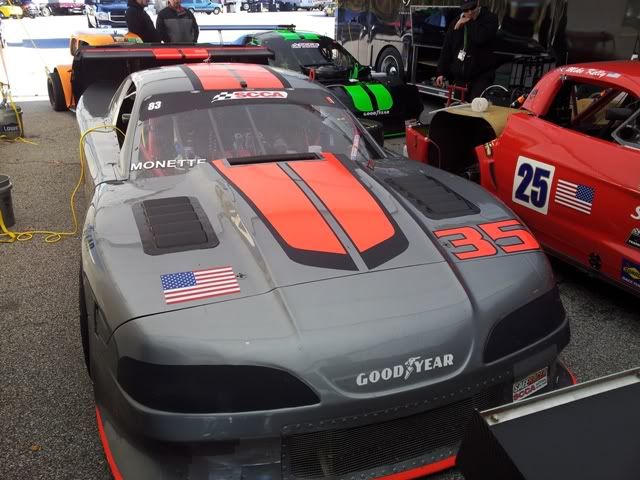
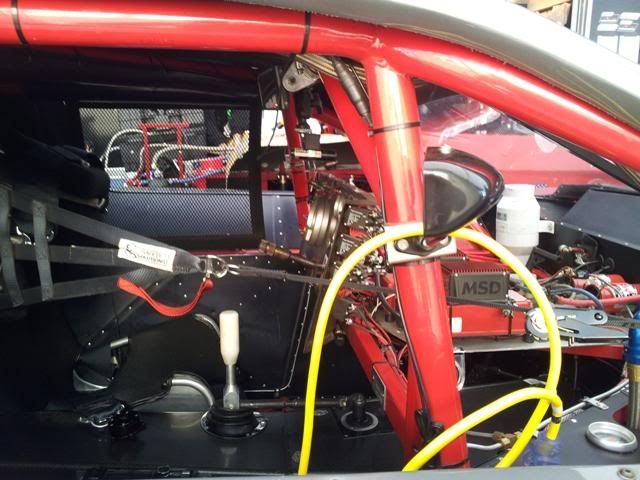
Road Atlanta final round of the GT1 ARRC series
by FAMOUS » Fri Nov 11, 2011 11:07 am
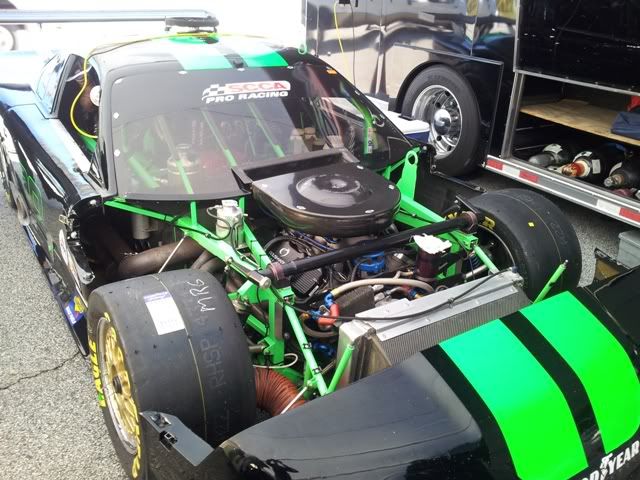
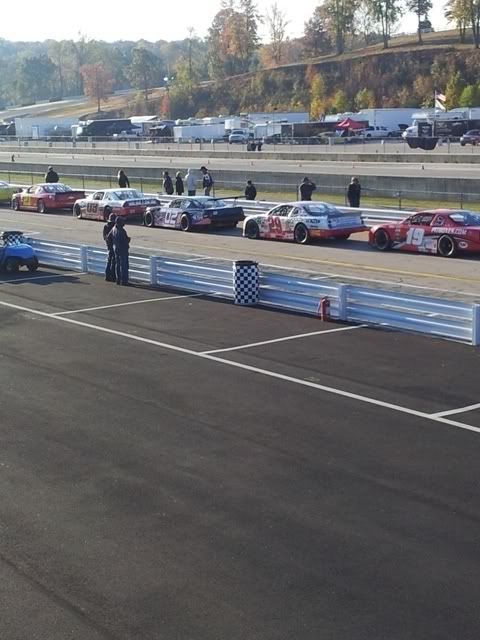
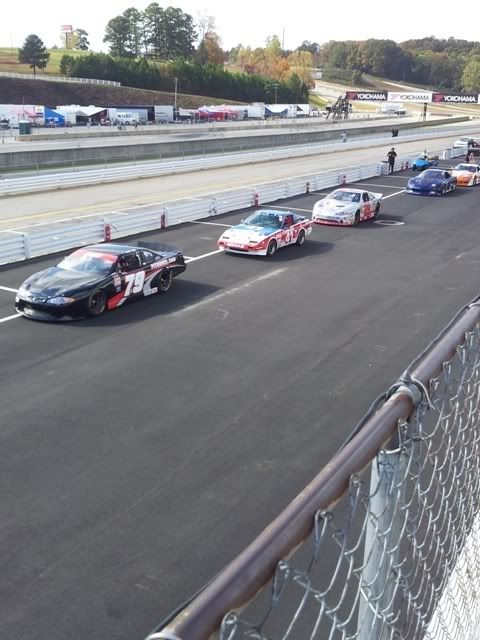
MORE PHOTOS FROM ATLANTA
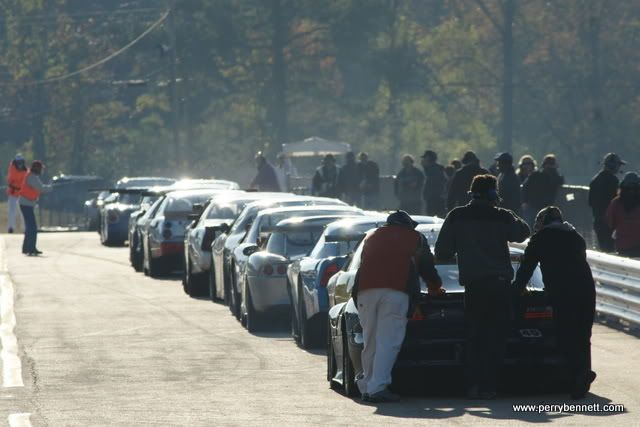
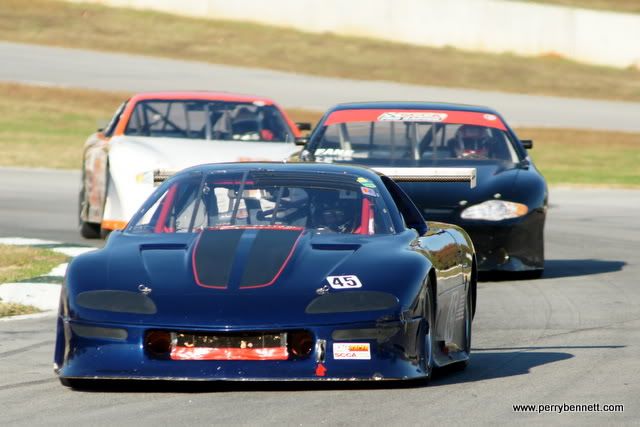
THE BLUE CAR IS BRAND NEW AND ITS A 60s FALCON LIKE JIM RICHARDS
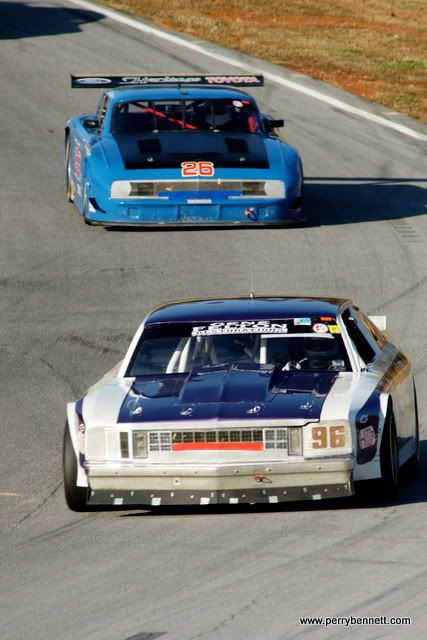
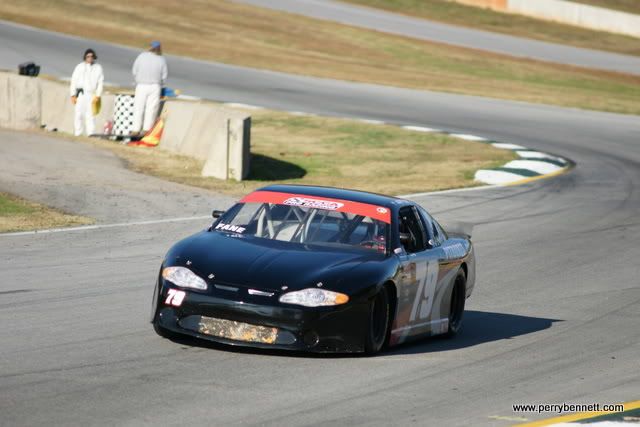
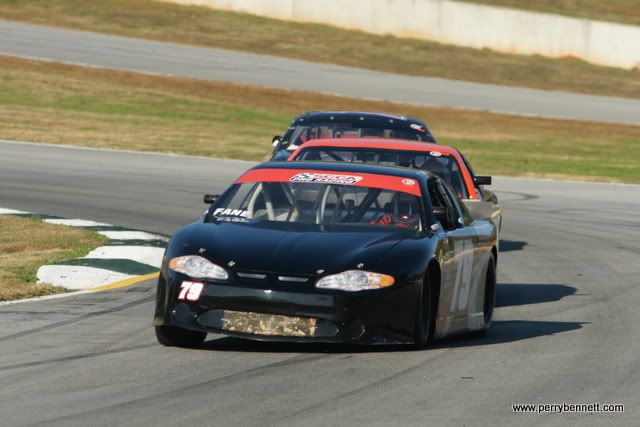
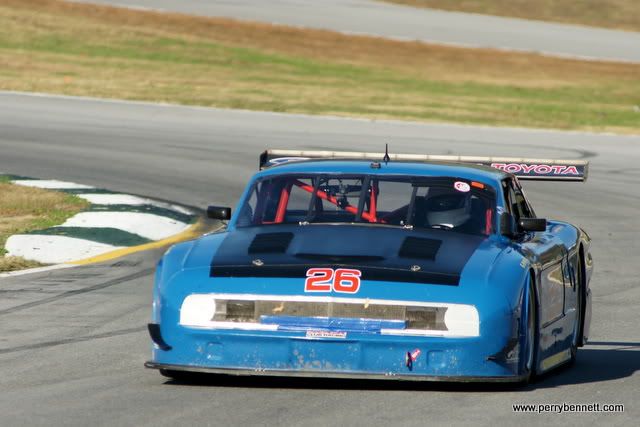
THE BLUE CAR IS BRAND NEW AND ITS A 60s FALCON LIKE JIM RICHARDS
-
FAMOUS - Posts: 58
- Joined: Tue Sep 23, 2008 2:50 pm
4 posts
• Page 1 of 1
Who is online
Users browsing this forum: No registered users and 0 guests